
Remote Support
Remote IT support with RustDesk
Get help with a suitable computer or software issue without starting with a site visit. Contact Liverpool Tech Group to arrange a remote support session using RustDesk and the setup guidance supplied by our team.
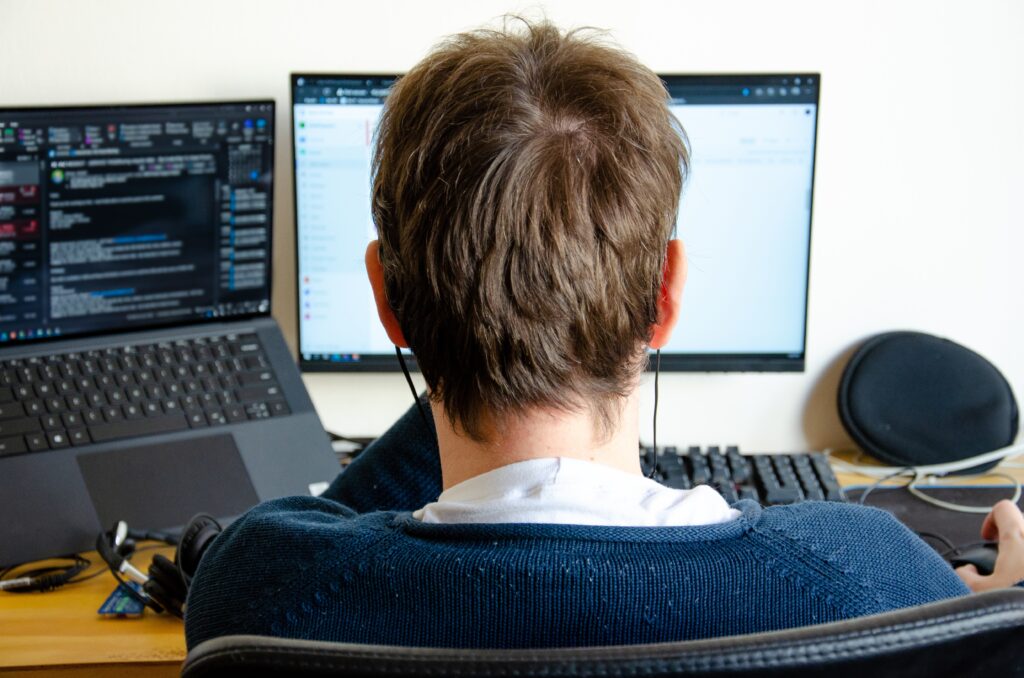
Remote support lets a technician work with you over an internet connection. We first discuss the issue and confirm whether a remote session is suitable, what access is needed and how the work will be charged or covered by an existing agreement.
What we can help with
- Initial discussion of the issue and suitability
- RustDesk client or setup guidance from LTG
- An agreed scope and charging arrangement
- A summary of the next steps after the session
Arrange the session before connecting
Call us or send an enquiry describing the problem, the device and any useful error message. We will confirm the next step and provide the correct RustDesk client or setup instructions for your device. Simply downloading a standard client does not necessarily connect it to the LTG service. Please wait for the setup details supplied for your session.
Work with the technician
Use a device you are authorised to manage and close unrelated confidential material before the session. Follow the agreed connection instructions and grant only the access needed for the work. Do not put session passwords or access codes in a public message or the general website enquiry form. You can discuss any access request with the technician before approving it.
Know when remote help has limits
An internet connection and a working device are normally needed. Physical damage, power faults and some connectivity problems may require on-site work instead. If a restart, installation or administrative approval is needed, we explain the next step during the session. Remote support is arranged with the team; opening the portal does not automatically start an appointment or a support connection.
What to include in your enquiry
Include the device type, operating system, a brief description of the fault and a contact number. Keep passwords, session codes and sensitive customer information out of the enquiry.
Your questions answered
Do I need a portal account to ask for help?
No. Start by contacting us. The support portal is for existing authorised accounts; the team will explain what you need for a particular session.
Where is the LTG support portal?
It is at rustdesk.liverpooltechgroup.com. The public address currently opens a sign-in page. Use the portal link only if you already have an authorised account or the team directs you there.
Will remote access remain enabled afterwards?
Any ongoing or unattended access must be agreed separately. For an attended session, follow the technician’s guidance to disconnect and close the support application when the work is complete.
Is support available immediately or free of charge?
Availability and charges are confirmed with the team or covered by an existing support agreement. This page does not promise an immediate response, round-the-clock cover or free support.
Arrange remote support
Tell us what you want to achieve. We will discuss the requirements, the practical next step and the work to be included.