
Enter content and display pixels
Use the exported content dimensions and the actual display canvas or player output dimensions. Portrait and landscape orientation are different layouts even when the two screens have similar pixel counts.
Choose fit or fill
Fit preserves the entire content and can leave bars around it. Fill covers the display and can crop part of the content. Both modes preserve proportions; this tool does not stretch the artwork. The measurements show the bars or crop per side in display pixels.
Keep important content inside the visible area
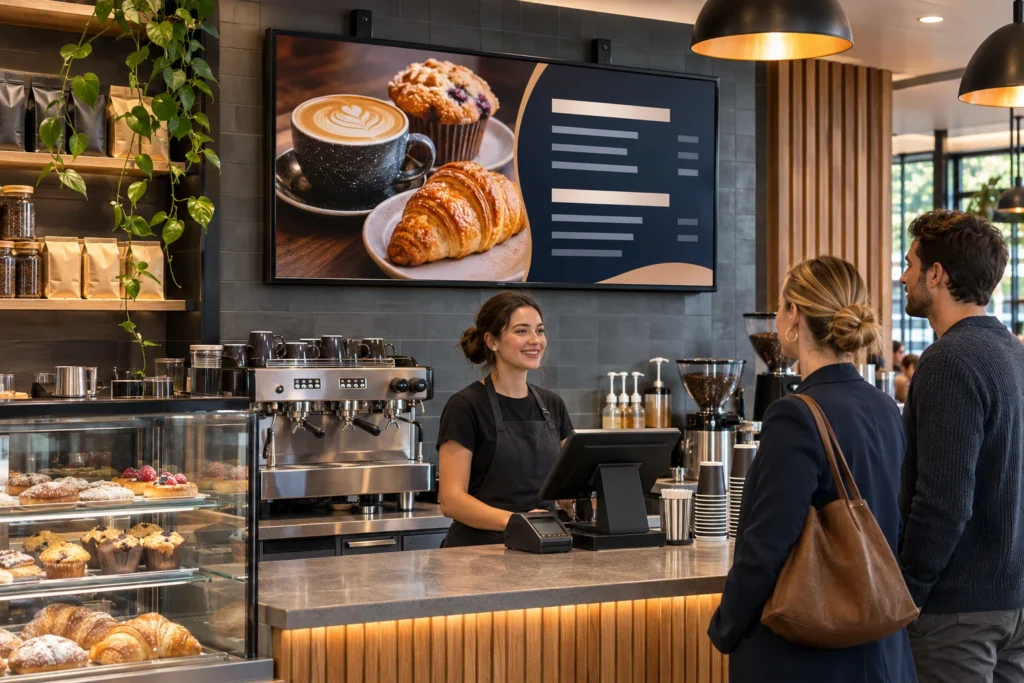
The preview uses an illustrative panel rather than uploading your artwork. Check text, logos and essential information on the actual display. Resolution arithmetic does not establish readability at the intended viewing distance or account for a product’s safe-area and publishing settings.
Use the result in the content brief
Record the required orientation, dimensions and preferred scaling behaviour for each screen. Prepare layouts for the intended canvas rather than depending on the player to crop important information. Coordinate content ownership and update schedules with the person maintaining the screens.
Calculation method
Fit scale = the smaller width/height ratio. Fill scale = the larger ratio. The scaled canvas determines unused display area or cropped content area.
Reference
Discuss commercial digital signage
Bring the assumptions and equipment details into a project conversation. We can review the installation requirements alongside the estimate.
Discuss commercial digital signage ↗